
The piece Windows programs ask for by name when they will not start. Install it once and they run.
-
Windows
-
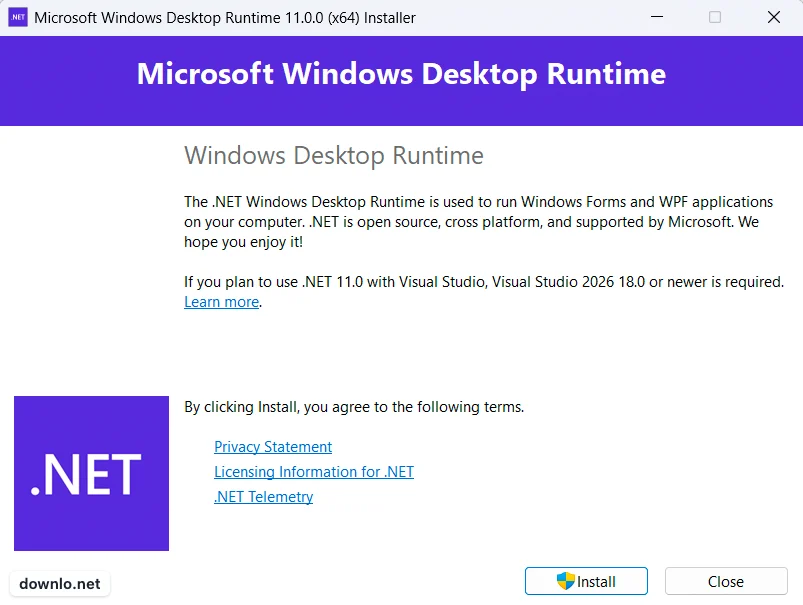
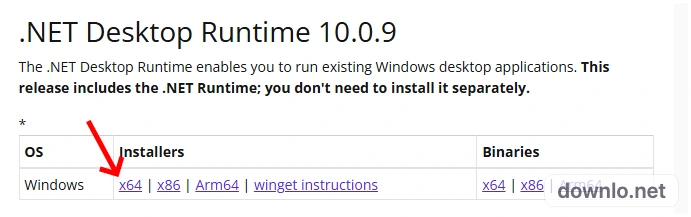
64-bit The ordinary one. Installs it and you are done. windowsdesktop-runtime-11.0.0-win-x64.exe59.4 MB
- ZIP37.4 MB The same thing as a zip, for putting in place by hand or on a machine you cannot run installers on.
-
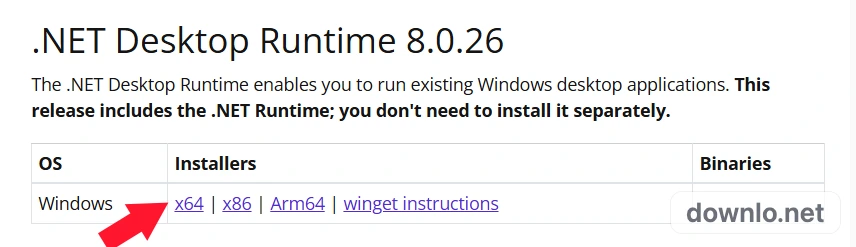
32-bit windowsdesktop-runtime-11.0.0-win-x86.exe55.0 MB
-
on ARM windowsdesktop-runtime-11.0.0-win-arm64.exe53.6 MB
SHA-512
-
windowsdesktop-runtime-11.0.0-win-x64.exe
ca20dba0c69dd6ae3932d2a42beeeecc4f4ece0be084f9921b001c8acd4ece7999df73ede76b87b6ae0d34974112ddd1c828fafad487df27c25e59e7f794c059 -
windowsdesktop-runtime-11.0.0-win-x64.zip
84506b211368c4fdc180551d1265961ff0e74d6ecbe1af2475f831c1f4fb9a04a3914f5d8e91d966ebafac4fe7bfd45b22a1e80e7fb7fbe1becc374a14734016 -
windowsdesktop-runtime-11.0.0-win-x86.exe
f00eba69062f8b1c8a3eb496d4a874558282f6680af3064e495997c0ddfa7c494e6876d9fd91f5fe9245219e87268962c81182323ddd09acf4554c018d282342 -
windowsdesktop-runtime-11.0.0-win-x86.zip
b0ac26928e7ae61473bff107261d3f39edf09d4390ef8c6263f662663a996e28d856bef6710a8b9885c956e0b0408c76889bc9719d7529196ae6e4d1dc686168 -
windowsdesktop-runtime-11.0.0-win-arm64.exe
aaa9336887de6a8877a6fa992a47ce306338e0bd8c87d39b640e75a0d06c1746bd63d017646f20ea1105bc14621b2ce67d58d4e5f3f2068c9f32986b441ab429 -
windowsdesktop-runtime-11.0.0-win-arm64.zip
c396f030001bcd3304d1716e687c5b8a80bae8fa94d71ee7974f0742591bf5808105ddff85bc139866000bcc91602084c422df4ee533ce618ef69891d24028bc
-
Which versions are still supported
Microsoft supports each version line for a fixed time and then stops. These dates are read from Microsoft’s own release feed, so this list is right on the day you read it.
- .NET 11.0 Standard Supported until 2028-11-14
- .NET 10.0 Long-term Supported until 2028-11-14
- .NET 8.0 Long-term Out of support since 2026-11-10
Out of support means no more fixes, including security fixes. Install it if a program you own requires it — many still do — but prefer the supported line where you have the choice.
Which file
- Almost every Windows machine takes the 64-bit build. If you are not sure, that is the one.
- The 32-bit build is for 32-bit Windows, and for the rare program that is itself 32-bit and asks for a 32-bit runtime.
- A laptop with a Snapdragon processor takes the ARM build — that includes the ARM Surface models, but not the Intel and AMD ones.
At a glance
- Publisher
- Microsoft
- Category
- Runtimes
- Current release
- 11.0.0
- Published
- 2026-11-10
- Runs on
- Windows, 64-bit · Windows, 32-bit · Windows on ARM
Licence and source
- Price
- Free
- Licence
- MIT
- Source code
- Public
- Copyright
- © Microsoft Corporation
The download itself
- Rights it needs
- Administrator for the installer, none for the .zip
- File types
- EXE · ZIP
- Size
- 33.7 MB – 59.4 MB
- SHA-512
- Published with every file
What asks for it
- Desktop programs
- Anything built with Windows Forms or WPF — a great many of the small Windows tools people keep
- The message you saw
- “You must install .NET Desktop Runtime to run this application.” — and under it, the exact version it wants
- Games and mods
- Launchers, map editors and modding tools very often need it
- Not needed for
- Programs that say “self-contained” — they carry their own copy inside
Nothing else has to be installed alongside it. One install serves every program that asks for the same version line.
There are four things called .NET, and your program wants one of them
This is where most of an afternoon goes. Microsoft publishes the same version number as four different downloads, and a program that needs one of them will not start on another.
- Desktop Runtime — what this page is. Windows programs with windows, menus and buttons need it. It contains the plain runtime, so you never need both.
- Runtime — for programs with no window at all. Smaller, and not enough for a desktop program.
- ASP.NET Core Runtime — for something serving a website on your machine.
- SDK — for writing .NET programs, not running them. Several times the size, and nobody needs it to open an application.
If a dialog told you to install .NET and you are looking at a program with a window, take the Desktop Runtime.
The version lines do not replace each other
Installing .NET 10 does not satisfy a program asking for .NET 8. The lines are installed side by side, each in its own folder, and a program is built against one of them.
So the right move is not "install the newest" — it is "install the one the error named". Having three of them on one machine is normal and costs nothing but disk.
And if nothing named a version at all, the long-term line is the safer answer — not the newest. The card above says which lines are long-term; that is the one most programs ask for by name.
Did it work?
Open Command Prompt and ask .NET what it has:
dotnet --list-runtimes
Every installed line is listed. A line beginning Microsoft.WindowsDesktop.App followed by the version you installed means the desktop runtime is in place and the program should start.
If the command is not recognised at all, close the window and open a new one first — a terminal that was already open does not know about anything installed since.
When the installer refuses
- It says it is already installed. It is, and in the same line — there is nothing to do. Check with the command above.
- Nothing happens when you double-click. Windows is probably asking for permission behind the window you are looking at.
- It stops partway. Run it again — a half-finished install is replaced rather than repaired, and the file needs nothing from the network to finish.
- It will not run at all. Check you took the build for your machine — the 64-bit file will not install on 32-bit Windows.
Other versions
From Microsoft’s own release feed. A program usually names the version line it wants, and these are the real dates, sizes and checksums for each. Written as "8 or 10", this sentence was wrong within a week of .NET 11.
Not on Windows?
Frequently asked questions
Is it free?
Yes, and open source under the MIT licence. There is no edition to buy and nothing to sign up for.
Do I need the SDK?
No, unless you are writing .NET programs yourself. To run one, the runtime is enough.
My program says .NET 8 and there are newer lines. Which?
The one it named. Version lines sit side by side, and no newer line answers a program asking for 8. Newer here does not mean better; it means different.
Does installing it remove the version I have?
No. Each line installs separately and the others stay where they are.
Why is the download link not on your own server?
Because Microsoft’s copy is the one worth having. Sending you to them means you get their file, with the checksum they published for it, the moment they publish it.